DRAG

Insights

Insights

Product Image
Next Generation Cloud-Managed WLAN Solution
Download

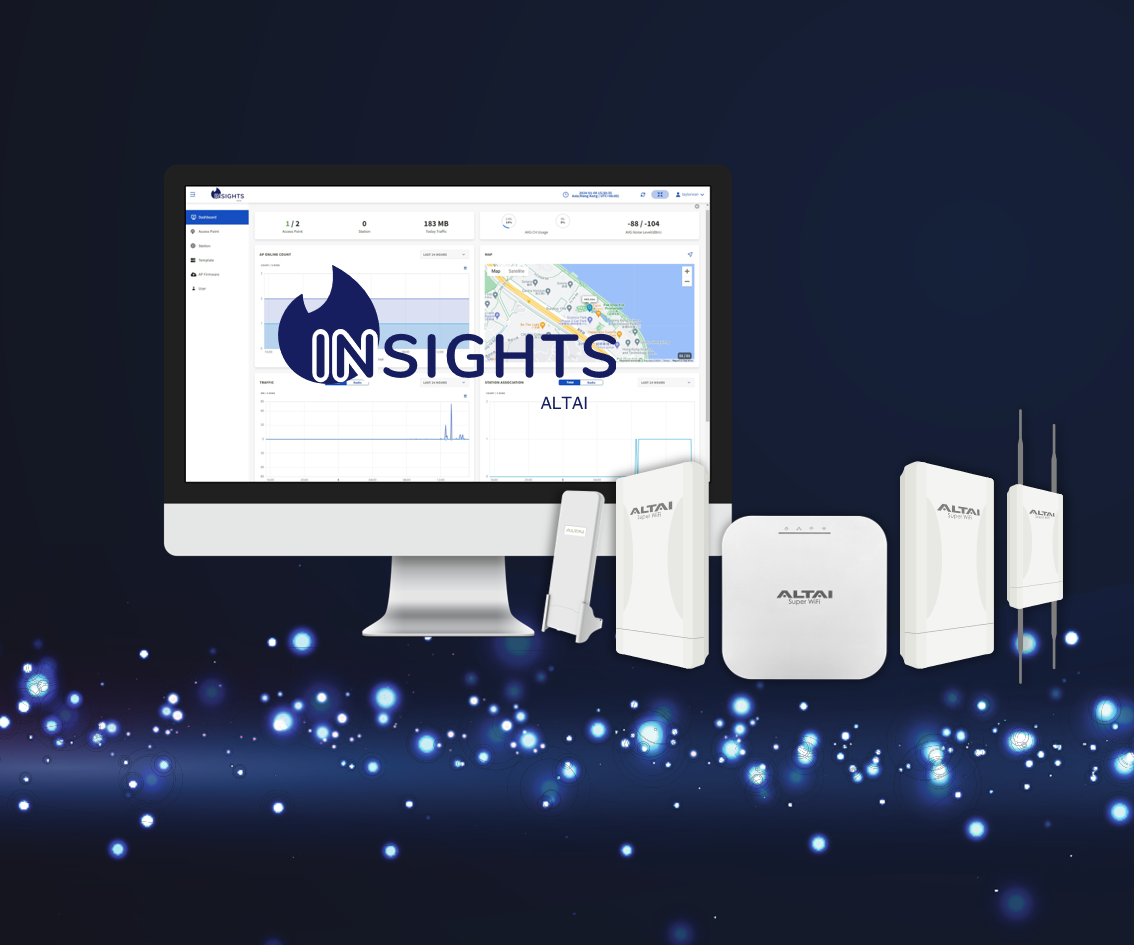
Q Link Insights is a cloud-first, entry-level wireless network management solution that aims to provide centralized visibility and control over small Wi-Fi networks without the need for additional hardware controllers or overlay management systems. Unlike Q LinkCare Cloud, the Insights platform is designed to be end user oriented, offering a streamlined self-service account registration process. This eliminates the hassle of going through resellers and distributors, allowing for quick and efficient network rollouts while saving time and effort.

Streamlined AP configuration process and effortless centralized network and user management

Built-in RADIUS and captive portal services for enterprise and guest Wi-Fi user access, securing your networkt

Full visibility into Wi-Fi performance, user traffic and network inventory across the network

Multi-user privileges in an organization for flexible WLAN management

Comprehensive configuration history management, allowing you to track changes and roll back configuration as needed

Built on a serverless cloud architecture for high resiliency and scalability, providing you with a true always-on services while staying ahead with the latest feature updates

#Supported AP Models
  • CX600
  • IX600
  • C1n (HW Version 4.0 or above)
  • C2s
  • C260 Series
Network Capacity
  • 50 Managed APs Per Organization
WLAN Management
  • Synchronization with Existing AP Configuration
  • Configuration Template and Batch Provisioning
  • Configuration History and Rollback
  • Bulk Firmware Update
  • Radio Resource Management (Auto Channel Selection, †Band Steering, and more)
  • †Multicast Filter
  • †Multicast to Unicast Conversion
  • Bandwidth Control Per SSID/Client
  • †Client Association Control per SSID by SNR and Data Rate
  • Hidden SSID in Beacons
  • RTS/CTS Threshold Control
  • †Fast Roaming (802.11r)
  • QoS: 802.11e (WMM)
  • †DHCP Snooping Trust Port
  • Google Map and Indoor Layout Import
  • Real-Time AP Group/AP/Client Monitoring
  • AP Event Log and Full Log Retrieval
‡Access Services
Captive Portal
  • Portal Page Templates
  • Click-Through, User Sign-Up and Standard Account Login
  • Social Login (Facebook, Google, LinkedIn, X)
  • Guest Access Vouchers
  • MAC Caching for Repeated Users’ Login Bypassing Splash Page
  • Guest Wi-Fi Advertising and Marketing
RADIUS
  • User Group and Account Management
  • Per-User QoS and Access Control: Session Timeout, Data Quota, Account Validity, Bandwidth Control, and more
  • User Traffic Accounting
Data Plane
  • Distributed Forwarding (Client data traffic stays local and sent through an existing gateway/firewall)
  • VLAN Assignment per WLAN (Access/Trunk)
Data Analytics
  • Statistics on AP Online Status, Traffic, Client Association and RF Performance
  • Up to 12-Months of Historical Data Retention
WLAN Security
Standards
  • WPA/WPA2/*WPA3
  • 802.11i
  • 802.11w (Management Frame Protection)
Authentication
  • WPA/WPA2-Personal (PSK)
  • WPA/WPA2-Enterprise (802.1X/EAP)
  • *WPA3-Personal (SAE)
  • *WPA3-Enterprise (802.1X/EAP)
  • WEP
  • Open (Portal, MAC Authentication)
Encryption
  • WEP
  • TKIP
  • AES
User Database
  • RADIUS (‡Internal/External)
User Access Control
  • MAC Address-Based ACL
  • Layer 2 Isolation
  • †Access Traffic Right
AP Management
  • Trust IP Management Access
  • AP Login Credentials Management
System Management
  • Web Interface (HTTP/HTTPS)
  • Multi-User Privileges
  • Self-Service Registration and Password Recovery